Climb and Jump Tower Guides Hub
Every how-to page for Climbing World's released Roblox climber, from first jump to later landmark worlds.
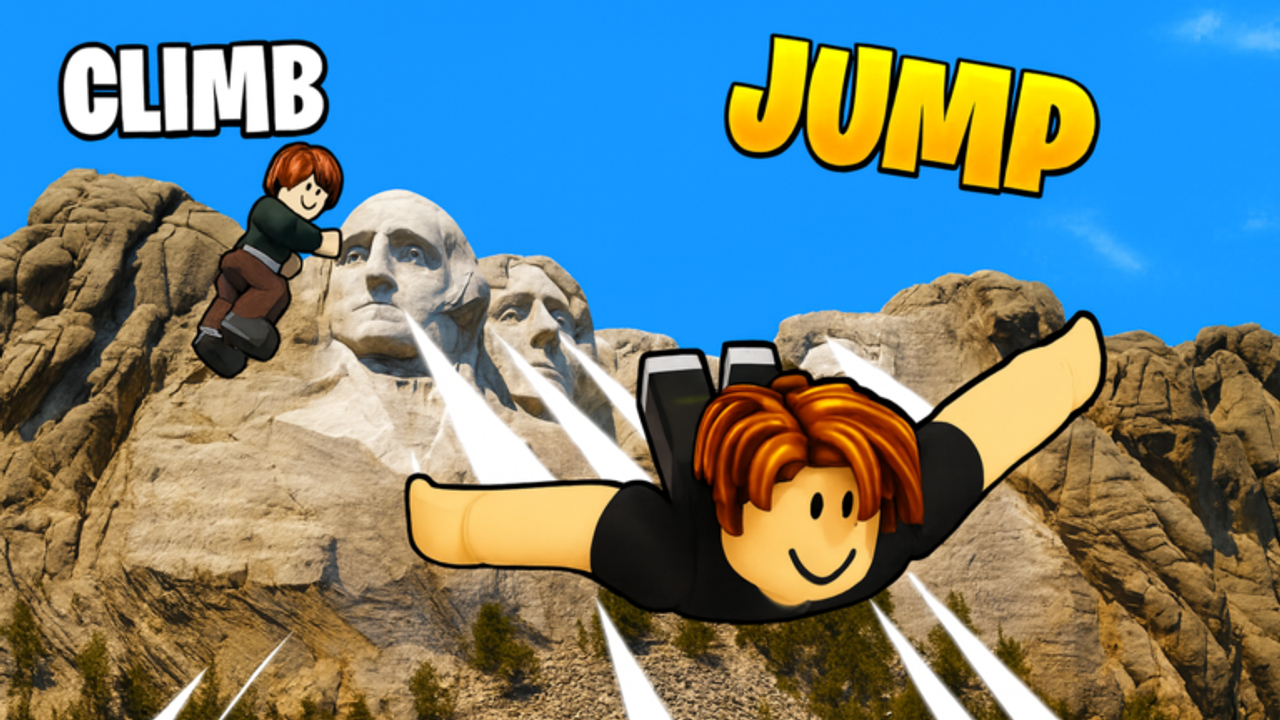
Climb and Jump Tower is a released Roblox experience by Climbing World where you scale landmark towers with other players online, jump for coins, chase wins, and unlock the next skyline. This Guides Hub is the map for that loop. Use it when you want a clear next step instead of guessing which shop to feed first.
The game looks simple from the lobby. Hold climb, build speed, jump when the climb stalls, cash out height as coins, then spend those coins on wings and pet eggs. Wins and trophies open new worlds. Souvenirs and code gifts stack permanent value on top. If you skip the order of those systems, you burn coins on the wrong pedestal and feel stuck on a tower that is only hard because your climb speed is low.
Start here
New accounts should open Getting started first. That page walks a first session plan: learn the lobby layout, buy a usable wing, hatch an early pet, redeem codes, and set a clean height-jump rhythm before you chase world unlocks.
If movement already feels wrong, jump to Controls. PC and mobile layouts differ, and the hold-W momentum tip is the difference between hopping every second and riding a climb until the speed plateaus.
Core progression guides
These pages cover the systems that decide how fast you clear landmarks:
- Wings. Climb speed lives here. Buy the highest wing you can afford in the current world shop on the left side. Price usually tracks speed, so early coins belong in wings before you spam eggs.
- Pets. Eggs sit on the right-side pedestals, typically three per world. Pets add coin multipliers, luck, and sometimes speed. Hatch with a plan, then equip the set that raises payout per jump.
- Coins and wins. Coins scale with jump height. Wins and trophies come from topping towers and feed world unlocks. This page explains height scaling and when boosts matter.
- Unlock worlds. Worlds unlock in sequence. The line runs from Eiffel Tower through later landmarks such as Statue of Liberty, Empire State, Oriental Pearl, Petronas, Taipei 101, Redeemer-style World 14 updates, Opera House, and more. Pair it with Worlds and the World checklist when you want a progress tracker.
Side systems and speed routes
Permanent upgrades and tempo matter once the basic loop clicks:
- Souvenirs. Tower NPCs, creeds, and code boxes hand out souvenirs and lasting boosts. Collect them while you farm so later worlds feel lighter.
- Fast progress. Priority loop for busy sessions: redeem codes, buy wings, hatch pets, farm height, bank wins, unlock the next world. Also covers the mistakes that slow people down.
- Free gifts. The ~30-minute gift timer, claim-all habits, and how to stack luck before egg hatches without wasting boost windows.
- Wing Enchantment. Money, Luck, Speed, and Win layers on keeper wings after Mount Everest-era systems landed.
- Trails. Free flat stats, trophy percent trails, and when not to spend unlock currency on glow.
- JumpPals. Companion coin and climb buffs, +1 equip passes, and Mecha or Golden Warrior style picks.
- Titan Fusion. Tokyo-era fusion machine habits for HUGE and TITAN pet ceilings.
Keep Codes open in another tab while you climb. Fresh coin, luck, and gift codes shorten the early wing grind more than any tip about platforming alone.
How to use this hub during a session
Treat the hub like a checklist, not a novel. Before you queue a long farm, skim the one page that matches your bottleneck. Slow climb means wings. Weak payout means pets or height discipline. Stuck on a locked portal means wins and trophies. Flat power over days means souvenirs and codes.
Online multiplayer servers let you see other climbers racing the same landmark. That is useful for pacing, not for copying random spends. Someone with endgame pets can afford egg spam; a new account usually cannot. Stick to the wing-first rule until your current world shop has nothing left that raises speed.
When you finish a world, return here and jump to unlock worlds or the world checklist so you do not miss a trophy requirement. When a big update drops, check souvenirs and fast progress again, because new eggs, wings, and gift timers often change what a short session should buy first.
Related wiki sections
Guides are only one lane of the site. For ranking gear once you know the systems, use the wings and pets tier pages linked from those guides. For player-facing world lore and checklists, use the players and tools pages. For patch notes and new landmarks, use Updates.
What good progress looks like
A clean early session usually ends with a redeemed code list, a wing that feels noticeably faster than the starter option, at least one equipped pet, a few intentional high jumps, and a clear win target for the next world. A messy session ends with empty coins, three random common pets, and a tower that still crawls. These guides exist to keep you in the first pattern.
Bookmark this Guides Hub, then drill into the child pages below as you need them. Climb, jump, spend with intent, unlock the next landmark, and repeat.
Frequently Asked Questions
Quick answers for Climb and Jump Tower climbers.
Where should a new Climb and Jump Tower player start?
Open Getting started, redeem codes, buy the best affordable wing, then hatch an early pet before you chase world unlocks.
Is Climb and Jump Tower released and multiplayer?
Yes. It is a released Roblox game by Climbing World with online multiplayer servers.
Which guide helps if my climb feels too slow?
Read the Wings guide first, then Controls for the hold-W momentum tip. Pets help payout more than raw climb speed early on.
Do I need every guide page?
No. Use Getting started once, then open the page that matches your bottleneck: wings, pets, coins and wins, worlds, souvenirs, or fast progress.