How to Redeem Climb and Jump Tower Codes
Open the Code UI, enter the string once, and claim coins or boosts safely.
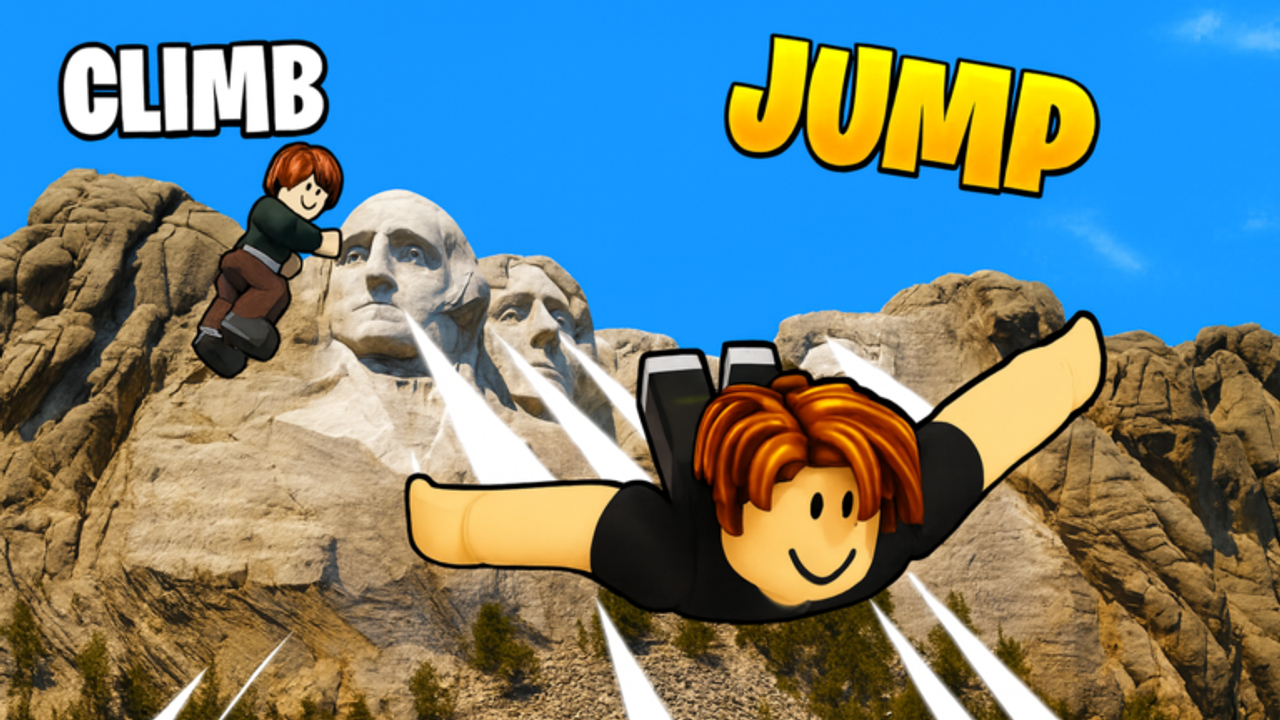
Redeeming codes in Climb and Jump Tower takes less than a minute once you know where the UI lives. This guide walks through the exact in-game flow used in the released Roblox experience by Climbing World (place 123921593837160), covers case rules and one-per-account limits, and troubleshooting when a code refuses to work. Pair it with the live list on the Codes Hub and the archive on expired codes.
Before you start
- Launch Climb and Jump Tower from Roblox on the account that should receive the rewards.
- Wait until you fully load into a multiplayer server—not stuck on a loading screen.
- Have the code ready to paste or type carefully. Prefer copy-paste from a trusted list to avoid typos.
- Decide whether you want to climb immediately after a timed boost redeem so you do not waste the timer in the lobby.
You do not need Roblox Premium to redeem standard promo codes. You also do not need to visit any external “generator” site. Real codes are short text strings you enter inside the game.
Step-by-step redemption
1. Find the gear / Code button (top-right)
After spawning, look at the top-right of the screen. Climb and Jump Tower exposes a gear control or a dedicated Code button in that corner. Open it. If your UI scale is unusual on mobile, tap carefully near the top-right cluster until the code panel appears.
2. Open the code entry field
Inside that menu, select the option that opens the promo code text box. Some builds label it plainly as Code; others nest it under a settings-style gear. The important part is the text field where you type the reward string.
3. Enter the code exactly
Type or paste the code with no leading or trailing spaces. Examples from the current hub include CLIMB2026, JUMPHIGH, TOWERFREE, JULY4TH, and SEASON. Do not add dashes, quotes, or emoji. Do not translate the code into another language—the string is literal.
4. Press Use
Confirm with the Use (or equivalent) button. A success message should confirm coins, a boost, or another gift. A failure message usually means expired, already redeemed, mistyped, or temporarily unavailable.
5. Verify the reward
Check your coin balance for currency codes. For timed boosts, look for an on-screen buff indicator or feel the change in jump/speed on your next climb. If nothing changed, re-open the code UI only once to confirm you did not mistype—then stop retrying the same dead code.
Case sensitivity and formatting rules
Most Climb and Jump Tower codes are published in ALL CAPS. Treat them as case-sensitive unless the game clearly accepts mixed case. Safe habits:
- Prefer uppercase as shown on the Codes Hub.
- Never insert spaces between letters (
JUMP HIGHwill fail). - Never wrap codes in brackets or markdown when pasting.
- If you dictate a code by voice, double-check characters like
0vsO—current codes are letter-heavy, but milestone codes sometimes mix digits.
Once per account
Promo codes are designed for one successful redeem per Roblox account. Relogging, changing devices, or joining a new server does not reset that flag. Creating a second account for more codes may work for the game’s code system, but it does not multiply progress on your main and can violate other Roblox policies if abused. Focus on clearing the active list once on the account you care about.
Troubleshooting failed codes
“Invalid” or “doesn’t exist”
- Compare against the live codes list.
- Check expired codes for holiday and milestone strings that already died.
- Remove spaces and fix capitalization.
- Confirm you are in Climb and Jump Tower, not a similarly named experience.
“Already redeemed”
You already claimed it on this account. Move to the next active code. There is no secret second claim.
UI missing or button not clickable
- Wait for full server load.
- Rotate your camera; rare UI overlaps can hide the corner button on small phones.
- Rejoin the experience after an update.
- Disable conflicting free-camera or third-party overlays if you use any.
Code works for friends but not you
Almost always already redeemed or a typo. Less often, a rollout bug hits some servers—rejoin once. If everyone fails, the code expired between the guide post and your attempt.
Timed boost felt like nothing
You may have redeemed while AFK, or the boost expired while you were in menus. Redeem jump/speed codes at the start of a climb session.
Mobile vs desktop notes
The flow is the same: top-right gear/Code control → enter → Use. On mobile, paste from your notes app to avoid autocorrect changing SEASON or similar words. On desktop, paste from the wiki table, then click Use without pressing Enter in a way that clears the field (depends on focus).
Safety reminders while redeeming
- Climb and Jump Tower will never ask for your Roblox password inside a code box.
- Ignore any site that asks you to log in to “unlock” codes.
- Do not download random executors just because a codes video mentioned scripts—codes and scripts are different topics. If you research automation later, read script safety first.
- Stick to the official Roblox game page for place
123921593837160when launching.
After you redeem: spend smart
Coin codes are most valuable when you convert them into climb power. Wings and movement upgrades usually beat random cosmetics for height. Timed boosts pair well with practice on difficult mid-tower segments. After claiming the active set, return to the Codes Hub after updates, and skim expired codes whenever an old screenshot tempts you.
Quick checklist
- Join Climb and Jump Tower on the right account.
- Open top-right gear / Code UI.
- Paste code exactly → press Use.
- Confirm coins or boost applied.
- Mark the code as used; skip it next time.
- If it fails, check expired list once, then move on.
Master this loop and you will never lose free rewards to a hidden menu again.
Frequently Asked Questions
Quick answers for Climb and Jump Tower climbers.
Where is the Code button in Climb and Jump Tower?
Look at the top-right of the screen for a gear icon or Code button after you load into a server, then open the promo code text field.
What do I press after typing a code?
Press Use (or the equivalent confirm button) on the code panel. Success should show a reward message or update your coins/boosts.
Are codes case-sensitive?
Treat them as case-sensitive and enter them in the uppercase form shown on the Codes Hub. Avoid spaces and extra punctuation.
Can I redeem the same code on two devices?
Not on the same Roblox account. Codes are once per account, regardless of phone, PC, or console client.
What should I do if every code fails?
Confirm you are in the correct experience, check the expired codes page, rejoin once after an update, and verify you have not already redeemed the active list.